Secure Tax Ready Payment Links in Invoices for Freelancers

A payment link in an invoice is a secure, hosted URL that lets a customer click and pay the exact invoice amount. It’s the fastest way to collect online, and it removes the guesswork of matching a mailed check or a manual bank transfer to the right invoice.
TL;DR:
- Payment links are most effective for small, one-off payments, deposits, recurring invoices, and last-minute charges, but are less suitable for large wire transfers or escrow needs.
- Generating a payment link involves verifying your merchant account, creating the invoice, configuring accepted payment methods, and testing the link before attaching it to the invoice or email.
- Placement of the payment link should be near the total due, using clear call-to-action text, with both clickable buttons and plain URLs included for accessibility and trust.
- Protect against fraud by verifying recipient details, using secure HTTPS links, and training staff to confirm unusual payment requests, especially to prevent fake invoices and impersonation scams.
- Most payment processors charge a fee combining a percentage and flat rate, with faster settlement for card and digital wallet payments compared to ACH bank transfers.
Table of Contents
- What a payment link is and when to use one
- How to create a payment link step by step
- Where to place the payment link in emails and PDFs
- Security and fraud precautions when sending payment links
- Tracking, reconciliation, and recordkeeping for paid invoices
- What fees and payment speeds to expect
- Quick checklist and copy-ready invoice text
- What running a music studio taught me about payment links
- How Allegro Music Studio brings billing and lessons together
- Sources
- FAQ
What a payment link is and when to use one
A payment link is a unique web address attached to an invoice. The customer clicks it, lands on a hosted payment page, and pays without you keying in card details or chasing a wire transfer. That’s different from a static invoice, which just states what’s owed and leaves the customer to figure out how to send the money.
Payment links work well for:
- One-off service invoices, like a single tutoring session or a repair job
- Deposits collected before you start a project
- Recurring retainer invoices for ongoing client work
- Last-minute charges, such as a rescheduling fee or an add-on service
Payment links are less useful for very large wire transfers, real estate closings, or anything requiring escrow and legal document review. In those cases, a bank transfer with proper verification is the safer route.
How to create a payment link step by step
Before you generate a link, make sure your merchant account is set up, your business information is verified with your payment processor, and you have a clear refund policy written down somewhere your customers can find it.
- Create the invoice with a clear total, due date, and a unique invoice number.
- Generate the hosted payment link through your invoicing or payment platform, and decide whether the amount should be prefilled or left open.
- Configure accepted payment methods (cards, bank transfer, digital wallets) and choose whether the link is one-time use or reusable for repeat billing.
- Test the link with a small payment to confirm it loads over HTTPS and displays your business name correctly, since hosted invoice pages are built to update automatically once a payment clears.
- Copy the link into your invoice PDF, your email, or both, depending on how you deliver invoices.
Pro Tip: Send yourself a test invoice before sending the real one. It takes two minutes and catches broken links, wrong amounts, or missing business branding before your client ever sees them.
Where to place the payment link in emails and PDFs
Placement decides whether a client pays in ten seconds or emails you asking how to pay. Put the payment button close to the total due, not buried at the bottom of the page or hidden in a footer.
- Use direct button text like “Pay online” instead of vague phrases like “Click here”
- In PDFs, embed a clickable button and test it across a few devices and PDF readers, since some strip hyperlinks
- In emails, mention payment in the subject line or preview text so the client knows action is needed
- Always include the plain URL as a fallback for clients who don’t trust buttons or use text-only email clients
- Make the tappable area large enough for a thumb on mobile, and use descriptive link text rather than a bare URL
Security and fraud precautions when sending payment links
Payment links move money, which makes them a target. Fake invoices are one of the most common small business scams, and the FTC’s guide for small businesses advises verifying any unexpected invoice and avoiding wire transfers or cryptocurrency payments tied to unfamiliar requests.
A few habits cut your risk significantly:
- Confirm you’re sending to the right person before the link goes out, especially with new or unfamiliar email addresses
- Set up email authentication (SPF and DKIM) and send from a branded domain instead of a free email account
- Check that the hosted payment page loads over HTTPS and clearly shows your business name
- Train anyone who handles billing to verify unusual payment requests by phone, and alert customers immediately if you suspect impersonation
The FTC warns that scammers routinely send fake invoices and impersonate vendors, which is why verifying unexpected invoices before paying or acting on one matters as much for you as it does for your clients.
Tracking, reconciliation, and recordkeeping for paid invoices
Most hosted payment pages update an invoice’s status to paid automatically once the transaction clears, which saves you from manually cross-checking bank statements. To keep reconciliation clean, use a unique invoice number for every bill and save the payment confirmation receipt for each one.
On the recordkeeping side, IRS guidance on automated records makes clear that taxpayers using electronic invoicing still have to retain the information required under tax law, even when payments flow through EDI systems or hosted pages. If your bookkeeping software only stores the payment amount and not the client name or service description, you may need to supplement it manually.

Payment settlement platforms also report certain transactions to the IRS, so keeping accurate gross payment totals throughout the year avoids surprises when reconciling against a Form 1099-K.
What fees and payment speeds to expect
Most processors charge a percentage of the transaction plus a small flat fee per payment. Processor pricing documentation describes this as the standard model across card and digital wallet payments.
Settlement speed varies by method. Card payments and digital wallets tend to move faster than ACH bank transfers, which can take a few business days to clear. For most freelancers and small studios, faster access to cash and less time spent chasing late payments outweighs the modest cost of the transaction fee.

Quick checklist and copy-ready invoice text
Before sending your next invoice, run through this:
- Test the payment link yourself first
- Confirm the page loads over HTTPS
- Include the invoice number on the link’s landing page
- State your payment terms clearly (due date, late fees if any)
- Save the payment confirmation once it clears
Copy-ready lines: for the invoice, try “Pay online now, secure link below.” For the email subject line, try “Invoice #[number] is ready, pay in one click.” If a client says the link doesn’t work, resend a fresh one rather than troubleshooting an old link that may have expired or already been used.
What running a music studio taught me about payment links
Chasing tuition checks used to eat a chunk of my week. Once I started sending invoices with a payment link attached, parents paid within the same day far more often, and I stopped guessing which family still owed for the month. Pairing that with clear lesson notes made every bill feel connected to what their kid was actually learning, not just an abstract charge.
— Dave
How Allegro Music Studio brings billing and lessons together
Allegro Music Studio keeps tuition invoicing, payment links, and lesson notes in the same workspace, so you’re not juggling a separate invoicing app on top of your teaching schedule. Instead of parents wondering what a charge is for, they see it next to the Encore summarizing what their child practiced.
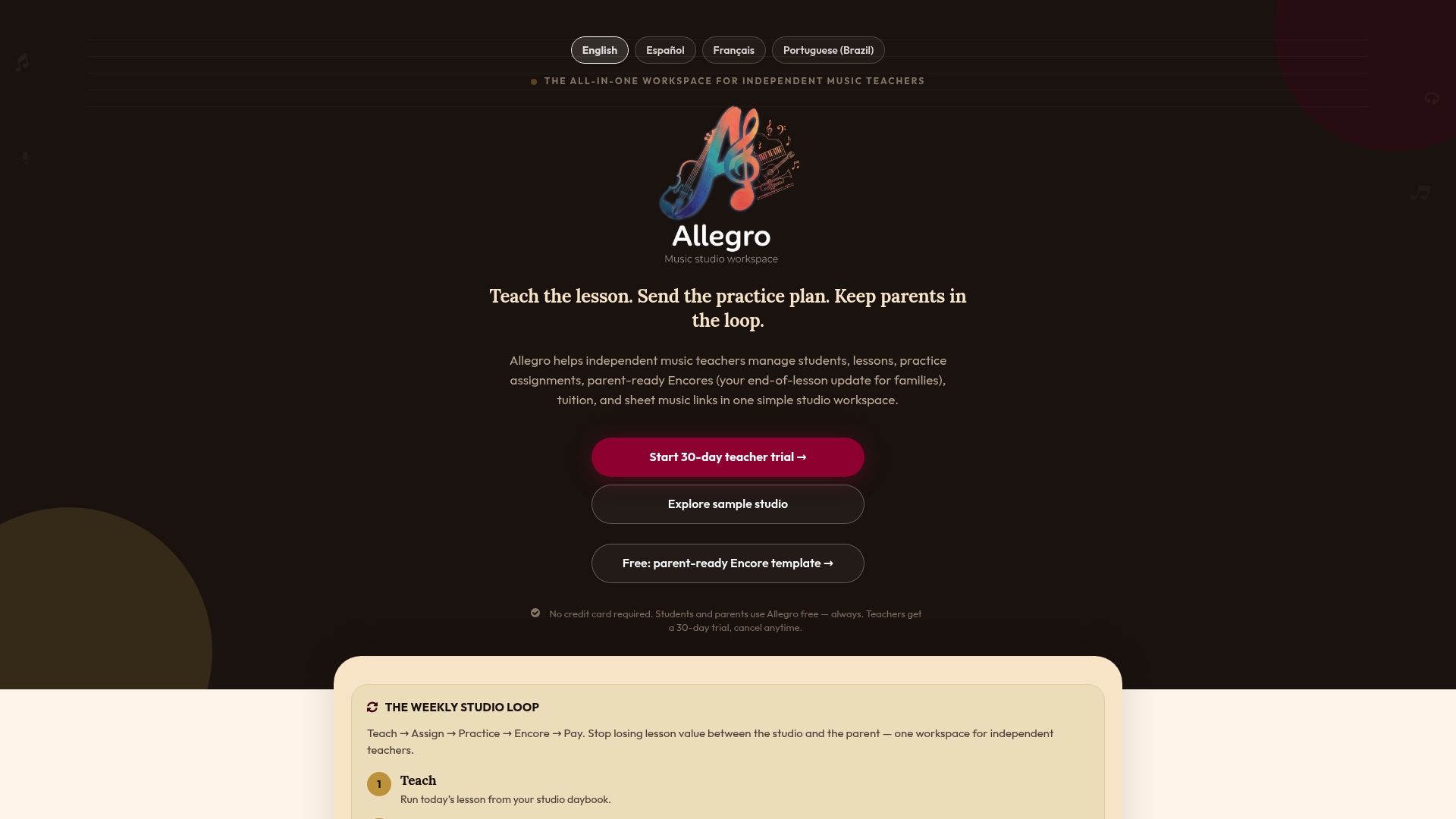
Both the Solo and Studio plans include invoicing with built-in payment links, with Studio priced at $39 per month. If you’re a teacher tired of separate tools for scheduling, notes, and billing, try Allegro Music Studio and see what one workspace looks like.
Sources
- Scams: Your small business guide
- Hosted invoice page | Stripe Docs
- Automated records | Internal Revenue Service
- Pricing for post‑payment invoices and payment links | Stripe support
FAQ
What is the difference between a payment link and an invoice?
An invoice is a document that states what’s owed, while a payment link is the clickable URL that actually lets the customer pay it. Many modern invoices include a payment link so the two work together rather than as separate steps.
What is a payment link example?
A payment link example is a secure web address, generated by your payment processor or invoicing software, that opens a hosted page showing your business name and the amount due. The customer enters their card or bank details there instead of mailing a check.
How do I create a payment link?
You generate a payment link through your payment processor or invoicing platform after your merchant account is verified, then attach it to your invoice as a button or plain URL. Testing the link with a small payment before sending it to a client catches most setup errors early.
Is paying with a payment link safe?
Payment links that lead to HTTPS-secured, processor-hosted pages are built to keep card data off your own systems, which reduces your security responsibilities. Customers should still verify the link matches an invoice they were expecting, since the FTC warns that fake invoices are a common scam tactic.