Three Part Remote Lesson Communication Plans for Music Teachers

The fastest way to make every lesson matter is to turn your lesson notes into a three-part practice plan for the student and a one-sentence parent “Encore,” then send both from the same workspace. Workspaces like Allegro Music Studio build this exact loop into one place. Below, you’ll find the templates, step-by-step workflow, and checklist to put it to work this week.
TL;DR:
- Clear, specific practice items with measurable targets significantly increase home practice adherence and include details like piece, tempo, repetitions, and daily minutes.
- Using standardized templates for both student plans and parent encores streamlines the process, requiring only 10 minutes per student once habits are established.
- Regular, short updates sent after each lesson, including a one-sentence progress report and two actionable instructions, improve parental involvement and student progress.
- The workspace should allow searchable note tagging, one-click resource attachments, scheduling, reminders, and progress logs to reduce administrative friction.
- Following up with parents when engagement declines for two weeks by sending precise, direct messages yields better accountability than general reminders.
Table of Contents
- What belongs in every remote lesson update
- Turning lesson notes into a student plan and a parent Encore
- Templates you can copy and send today
- What to look for in a workspace built for this
- How to know if it’s working
- Your first week running this system
- Author perspective: why I recommend making every lesson leave a clear digital trace
- How Allegro Music Studio supports this workflow
- FAQ
- Sources
What belongs in every remote lesson update
A lesson update only works if it tells someone exactly what to do, not just what happened. Vague notes like “practice more scales” leave both students and parents guessing, which is where most home practice falls apart before it starts.
An effective update includes:
- Precise practice items with targets: name the piece or skill, the tempo (say, quarter note at 80 beats per minute), the number of repetitions, and minutes per day.
- Step-by-step instructions scaled to age: a seven-year-old needs “play the left hand five times slowly,” while a teenager can handle “isolate measures 12 to 16 and work up from 60 to 90 beats per minute.”
- Labeled resources: an audio demo named “Clair de Lune, bars 1-8, slow tempo” is useful; a file named “recording3.mp3” is not.
- A one-sentence parent summary: what progressed, plus two specific ways a parent can help this week.
- Metadata: the lesson date, the next lesson date, and when the assignment is due.
Teachers should provide concrete structures for home practice, because parents often feel unsure how to support their child’s practice without that guidance. A short, structured takeaway does more for practice consistency than a longer, looser one.
Turning lesson notes into a student plan and a parent Encore
This sequence works the same whether you teach piano, guitar, or voice, and it takes most teachers under ten minutes per student once the habit sets in.
- Capture notes during the lesson, time-stamped and tagged by piece or skill (“Minuet in G, measures 9-16, rhythm”).
- Distill the notes into a three-part assignment: the goal (what should improve), the method (how to practice it), and micro-targets (tempo, reps, minutes).
- Write a one-paragraph parent Encore that reframes the same instruction in plain language: what went well, what to watch for, and one small way to help.
- Attach resources and schedule delivery from your workspace: an audio demo, an annotated PDF, and a reminder set for two days before the next lesson.
- Run two quick checks during the week: a one-line “did you get to the slow practice?” message and a brief listen to a recorded clip if the student sends one.
Reciprocity between teacher, pupil, and parent supports better learning outcomes, and teachers can move toward that reciprocity by clarifying expectations and providing structured updates after every lesson rather than occasionally.
Templates you can copy and send today
Having a fixed template removes the blank-page problem that makes post-lesson admin drag on.
Student practice plan template:
- Piece:
- Goal:
- Tempo:
- Reps:
- Minutes per day:
Parent Encore template:
- One-sentence progress: “[Student] worked on steady rhythm in the first line of [piece] today and made real headway.”
- Action 1: “Ask to hear the first four measures once a day.”
- Action 2: “Remind them to use the metronome app at 70 beats per minute before speeding up.”
Before and after, beginner example: Raw note: “Left hand weak, rushing.” Final student message: “Practice the left hand alone, five slow repetitions, before playing both hands together.” Final Encore: “Today we focused on left-hand control. At home, ask for the left hand alone, five times, before combining both hands.”
Before and after, intermediate example: Raw note: “Dynamics flat in B section, needs contrast.” Final student message: “Play the B section at measures 17-24, exaggerating soft versus loud for three run-throughs.” Final Encore: “We worked on adding contrast in the middle section. A quick way to help: ask for one quiet run-through and one loud run-through back to back.”
Pro Tip: Keep the parent Encore under three sentences. Parents act faster on one clear instruction than on a paragraph of context.
What to look for in a workspace built for this
The right SaaS workspace removes friction from every step of the loop above instead of adding another app to juggle.
- Lesson-note capture that’s searchable and tagged by student, piece, and skill, so past notes are easy to find before the next lesson.
- Assignment templates with one-click attachments for audio and PDF files, sent to both student and parent without retyping anything.
- A simplified parent or guardian view, a single snapshot that translates teacher language into something a non-musician parent understands immediately.
- Scheduling, automated reminders, and a running progress log so you aren’t manually tracking who practiced what.
- Secondary conveniences like invoicing links and payment flows, which save time even though they sit outside the communication loop itself.
A repeatable workflow for capturing notes and delivering short, actionable messages matters more than any single platform choice, since remote lessons rely heavily on parent support and clear online updates to sustain engagement between sessions.
How to know if it’s working
Three simple indicators tell you whether your updates are landing: practice frequency reported by the student or parent, a quick parent confirmation that the Encore arrived and was read, and a one-line self-report from the student at the start of the next lesson. Collecting this takes seconds: a single text asking “did you get three practice sessions in?” or a one-question practice log works fine.

Structured parental involvement and clear home-practice instructions predict better student progress and enjoyment, according to a survey of 2,583 respondents distributed through a major conservatory network. When a student shows two weeks of low engagement, the next move is a direct, specific follow-up to the parent rather than a general reminder to the student.
Your first week running this system
- Day 1 to 2: pick one practice-plan template and one recording method (phone audio is fine) and use them for every lesson.
- Day 3: send your first Encore using the template above, keeping it to three sentences.
- Day 4 to 5: run one quick mid-week check-in per student.
- Day 6 to 7: collect feedback from two or three parents on whether the Encore was clear, and adjust the wording.
Expect 10 to 15 minutes of added admin per student in week one; that drops fast once the templates become habit.
Author perspective: why I recommend making every lesson leave a clear digital trace
Teachers who capture notes and send a structured follow-up build consistency into something that used to run on memory and good intentions. A few templates and a shared workspace cut the time this takes while making students more accountable for what happens between lessons, which is where most progress actually gets made or lost.
— Dave
How Allegro Music Studio supports this workflow
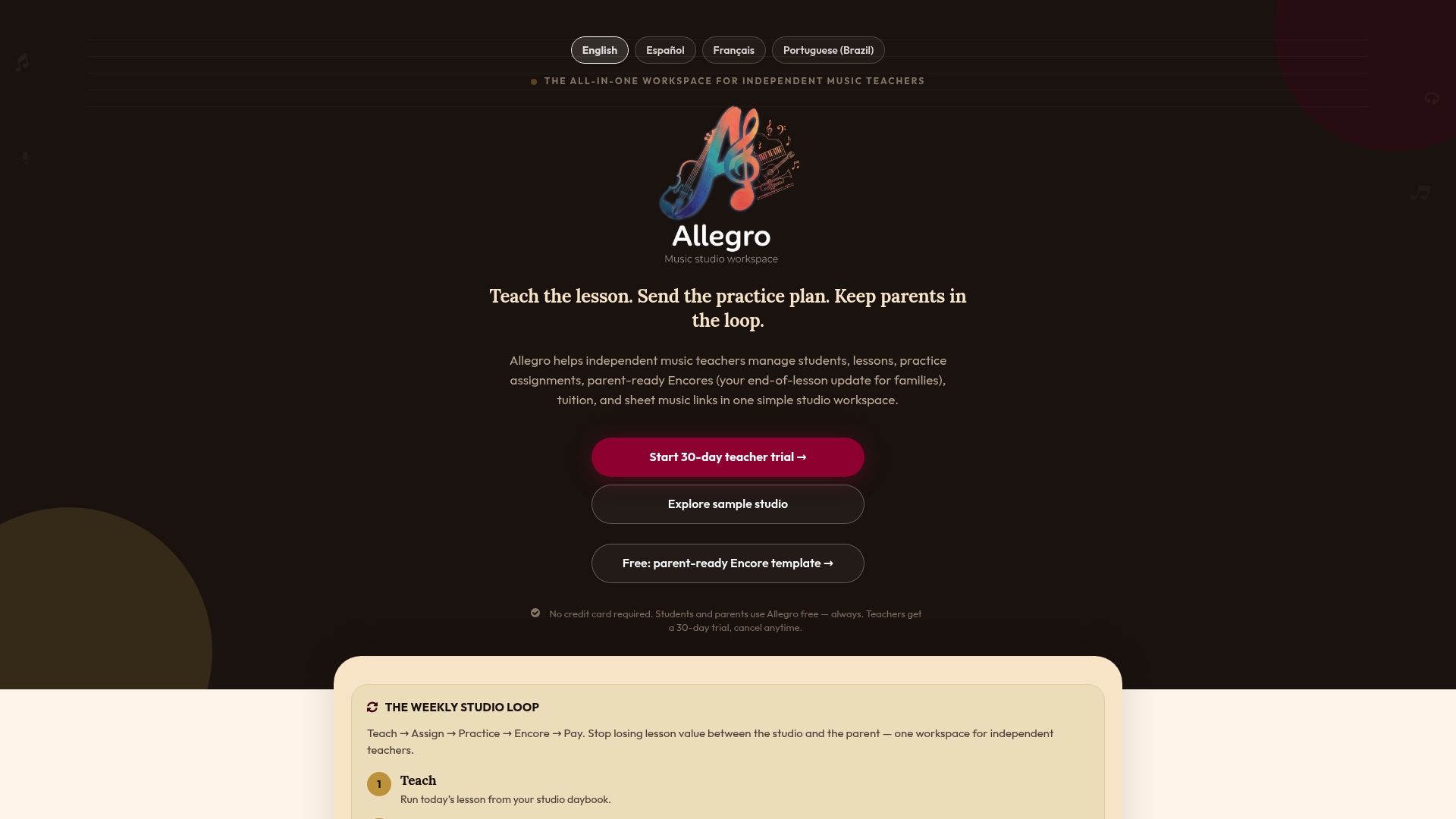
Running this loop by hand across a full roster of students eats into evenings fast. Inside Allegro Music Studio, lesson notes convert directly into a student practice plan and a parent-ready Encore without retyping anything twice, and both go out from the same workspace where attachments, scheduling, and progress logs already live.
If you’re ready to try it with your own students:
- Start with the Solo plan if you teach independently and want the core workflow in place.
- Move to the Studio plan, listed at $39 per month, once you’re managing a larger roster and want tuition tracking alongside communication.
- Import one student roster, send your first Encore, and see how parents respond before rolling it out studio-wide.
Check plan details and get started on the Allegro Music Studio site.
FAQ
What makes a remote lesson update effective?
An effective update names a specific practice item, gives a tempo or measurable target, and includes a short parent-facing summary with one or two concrete actions. Vague instructions like “practice more” rarely get followed at home.
How often should I send progress updates to parents?
Sending a brief Encore after every lesson works better than longer, less frequent updates, since parents often need concrete structures to know how to help in the moment. A weekly mid-point check-in can supplement this for students who need extra accountability.
What should I do if a student isn’t practicing between lessons?
Check your engagement indicators first: practice frequency, parent confirmation, and the student’s own self-report at the next lesson. If two or more weeks show low engagement, a direct, specific message to the parent tends to work better than a general reminder to the student.
Does Allegro Music Studio handle both lesson notes and parent communication?
Yes. Allegro Music Studio converts lesson notes into student practice plans and parent-ready Encores from the same workspace, alongside scheduling and tuition tracking, as detailed on the Allegro Music Studio site.
What privacy considerations apply to remote lesson communication?
Student and family communication, especially involving minors, should go through a secure platform rather than personal messaging apps, and teachers should only share what’s needed for the lesson relationship. Specific legal requirements vary by jurisdiction, so check applicable student data and minor-privacy rules for your own location.
Sources
- Parental involvement in children’s independent music lessons: Music Education Research
- Enhanced learning for young music students: involving and motivating parents (Sage Publications)