Automate Parent Updates: 2–3 Practice Actions for Solo Music Teachers

To automate parent updates, send each family a short lesson summary and a practice plan listing two or three concrete actions, triggered automatically after every lesson. Start with that single rule, then add a weekly digest once it runs smoothly. Allegro Music Studio is one platform you can evaluate for this, built around parent-ready summaries for independent teachers.
TL;DR:
- Keep each update to one screen, with one to three lesson points, an exact practice task and daily minutes, a recognizable goal, and attached resources.
- Messages after lessons deliver fresh detail but add inbox volume; weekly digests arrive later, while milestone notes take less effort and carry emotional weight.
- Choose one channel, tell families what to expect, and trigger lesson recaps, weekly digests, missed lesson alerts, and attached resources at the right times.
- When a school or district is involved, follow its FERPA policies; obtain consent, limit record access, and keep health or family concerns private.
- Track parent replies, open rates, survey feedback, and students’ preparation, then test message styles and switch to personal contact when a student stalls.
Table of Contents
- What should you automate for parents?
- How do you set up automatic parent updates step by step?
- Which copy-ready templates can you paste and adapt?
- What privacy rules apply to automated student updates?
- How do you know your parent updates are working?
- What does clear, consistent communication change?
- How does Allegro make automated parent updates easier?
- FAQ
- Sources
What should you automate for parents?
Several message types cover the information families need. Pick the ones that fit your studio, and keep each message to one screen.
- Lesson summary: one to three bullets on what you covered and what improved. Skip the full lesson log.
- Practice plan: the exact pieces, sections, tempo and minutes per day. “Play measures 5–8 slowly, hands separate, ten minutes” beats “work on the Bach.”
- Goals: one target for the coming week or month that a parent can recognize without musical training.
- Resource links: sheet music, a demo recording or a short video, attached to the message instead of sent separately.
Specificity is the point. Research on involving and motivating parents suggests parental support works best when parents are informed and know exactly what to do, so a vague update can leave them feeling under-briefed. A large survey of parents in independent music lessons also linked parental involvement and supportive practice environments to enjoyment and musical progress.
Cadence is a trade-off. A post-lesson message gives parents fresh detail but adds volume to their inbox. A weekly digest is lighter for everyone but arrives a little later. A milestone message, sent after a recital piece or level change, takes the least effort and carries the most emotional weight. Most teachers do well with post-lesson messages plus an occasional milestone note.
How do you set up automatic parent updates step by step?
You don’t need technical skills. You need consistent notes and a few clear decisions.
- Standardize your lesson notes. Use the same fields every time: what we worked on, what went well, what to practice, minutes per day. Our lesson notes examples show formats you can copy.
- Pick your channels. Email, text or a parent portal all work. Tell families which one you use and what to expect, since a message nobody expects is a message nobody opens.
- Set your triggers. Send the summary right after each lesson, a digest once a week, and a short alert when a lesson is missed. Attach sheet music or a demo recording automatically so parents never have to ask.
- Test with one family. Choose a parent who gives honest feedback. Ask whether the tone is friendly, the tasks are clear and the timing works, then adjust.
- Plan a fallback. If a message goes unopened, follow up personally with a quick call or text. Automation carries the routine; you handle the exceptions.
Pro Tip: Write your practice-plan template once, in your own voice, and reuse it for every student. Parents respond to a message that sounds like you, not a form letter.
Regular contact also matters when lessons happen at a distance. Practitioner research on remote violin instruction found that regular communication helped parents act as “assistant teachers” when they received clear guidance. For ideas on keeping students engaged between messages, short motivation strategies for new students pair well with a weekly digest.

Which copy-ready templates can you paste and adapt?
Paste these into your messaging tool, then swap in each student’s details. For a fuller set, see our onboarding templates and Encore recaps.
- Post-lesson message: “Today Maya worked on her G major scale and the first line of ‘Ode to Joy.’ Her left-hand shape is much steadier. This week: play the scale twice daily and the first line five times, taking care to practise at a comfortable pace.”
- Weekly digest: “Progress: Maya’s rhythm is more even. Practice tasks: 1) G major scale, hands together, slowly. 2) ‘Ode to Joy’ lines 1–2, counting aloud. 3) Listen to the demo recording once. Resources: sheet music and the demo link below.”
- Onboarding message: “Welcome! After each lesson you’ll get a short summary and a practice plan by email. If you’d rather get a weekly digest, or prefer text, just reply and I’ll change it.”
Here is how a rough lesson note becomes a parent-friendly message:
- Teacher note: “Fixed bow hold, crescendo bars 9–12, work on intonation third finger.”
- Parent version: “Today we fixed how she holds the bow, which will make her sound smoother. At home, play bars 9–12 getting gradually louder, and listen for a clear, in-tune third finger. A manageable daily practice session is plenty.”
Notice what changed: jargon became plain words, and the task came with a time limit. Parents who can’t read music can still follow it.
What privacy rules apply to automated student updates?
FERPA governs education records held by schools, so how it applies to a private studio depends on your situation. If you teach through a school or district, follow their policies. Either way, the principles are a good guide. Schools must give parents a chance to inspect education records within a reasonable time, not more than 45 days, and must record many disclosures of personally identifiable information. Rights also shift to the student at age 18, as the guidance for eligible students explains. The Department of Education’s FERPA FAQ notes that services collecting such information may need approval under school policies.
Practical safeguards:
- Get parents’ consent to automated messages in your onboarding note.
- Keep routine updates light on personal details: first names, pieces and practice tasks are enough.
- Limit who can see student records, and keep a log of any disclosures.
- Leave out sensitive topics like health, behavior concerns or family circumstances. Handle those in a private conversation.
Our guide to communication boundaries with parents covers phrasing that keeps messages friendly and focused.
How do you know your parent updates are working?
Start with engagement. Check open rates, parent replies and any quick survey responses. A parent who replies “we did the scale every night!” is telling you the plan landed.
Then look at practice itself. Notice whether students arrive better prepared, or use practice-tracking data if your platform offers it. Better prep after a message change is your clearest signal.
Run small experiments. Send some families a post-lesson message and others a weekly digest, or test a warmer tone against a briefer one. Ask parents which they prefer and keep the winner.
Know when to go personal. If a parent stops responding, a student stalls or something sensitive comes up, put the automation aside and reach out yourself.
What does clear, consistent communication change?
I’ve seen the same pattern in studios: when parents don’t know the plan, practice drifts, and the teacher ends up blamed or ignored. Research on teacher, pupil and parent triads describes a “discordant trio,” where teachers lack leadership and parents feel powerless. Clear, teacher-set goals delivered every week turn parents into allies. Automation isn’t about replacing your voice. It’s about making sure your voice reaches home every single time. For deeper tactics, see our parent communication workflow.
— Dave
How does Allegro make automated parent updates easier?
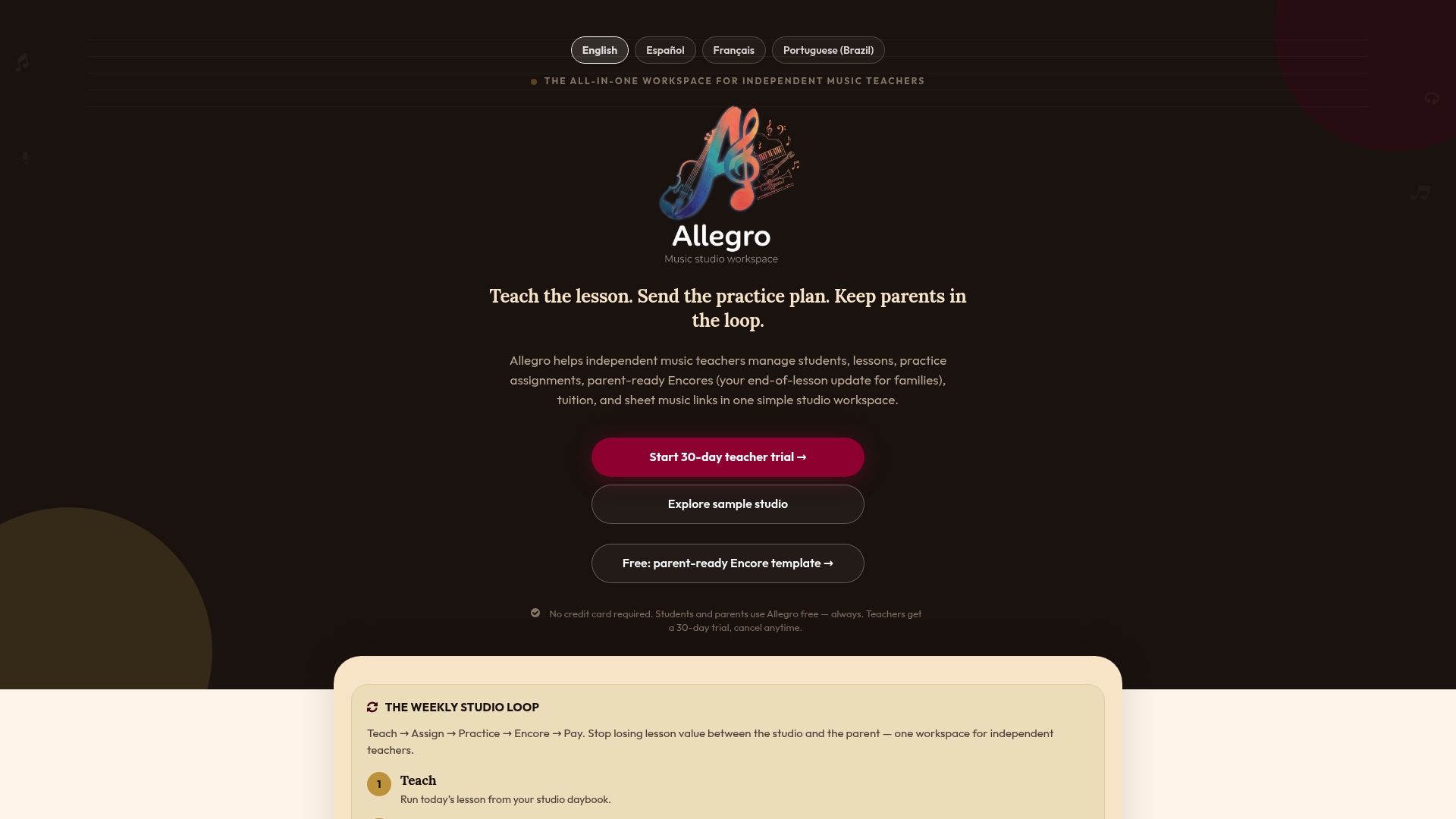
Writing every summary by hand is what makes teachers abandon the habit. With Allegro, your lesson notes turn into parent-ready Encores that spell out progress and what to practice next, all in one workspace.
- Encore summaries built from your lesson notes
- Practice plans families can follow
- Solo and Studio plans, with the Studio plan at $39 per month
Explore Allegro and send your first Encore after this week’s lessons.
FAQ
What does it mean to automate parent updates?
It means lesson summaries and practice plans go to families automatically, using your own templates and triggers. You write the content once, and the system sends it after each lesson or on a weekly schedule.
How often should I send automated updates to parents?
Most teachers do well with a short message after each lesson, plus a weekly digest or milestone note when needed. Pick the lightest schedule that keeps parents informed, then adjust based on their replies.
Do music teachers need to worry about FERPA?
It depends on whether you teach through a school or district. The Department of Education’s FERPA overview explains parents’ rights to review education records. When in doubt, follow school policy and keep messages free of sensitive detail.
What should a parent update include?
Include one to three points on what you covered, a specific practice task with minutes per day, and any links parents need. Specific, informed updates help parents support practice better than general praise.
Sources
- Enhanced Learning for Young Music Students: Involving and Motivating Parents
- A Parent Guide to the Family Educational Rights and Privacy Act (FERPA)
- Parental involvement in children’s independent music lessons: Music Education Research: Vol 19 , No 1 - Get Access