Student Progress Checklist: Ready to Copy for Class, Home, and Music

A student progress checklist is a compact, measurable record built around six fields: student, target skill, baseline or score, observation, next instructional step, and review date. Those entries only matter when they feed a regular review schedule, because a checklist without a cadence is just a file. The goal is simple: capture evidence fast, then act on it before the next lesson.
TL;DR:
- Use repeatable numerical probes, rubrics, or behavior counts rather than impressions, and assess at the student’s instructional level instead of automatically using enrolled grade.
- Collect weekly data for intensive support and at least monthly for routine classroom monitoring; wait for roughly six to ten points before changing instruction.
- When no prior scores exist, gather three probes within a week and use their median as the baseline, then graph scores against a goal line.
- Use class sheets to compare students against one shared target, while individual sheets preserve each student’s baseline, evidence, misconception, and specific next instructional step.
- Link each checklist’s next step to the next lesson plan, and put review dates on the calendar so monitoring does not quietly lapse.
Table of Contents
- Checklist components and template layout: class sheets vs. student sheets
- Which measures to use: objective probes, rubrics, and behavior trackers
- Schedule, decision rules, and fidelity: how often to collect data and when to change instruction
- Recording and visualizing progress: baseline, goal lines, and parent-friendly summaries
- Involving students and families: strategies to make monitoring collaborative
- Applied example: how a music teacher could run checklist-driven lessons
- Customizing checklists for different instruments or skill levels
- Integrating progress checklists with lesson planning and scheduling tools
- Keeping students motivated with their own progress data
- Why practicality should drive checklist design
- How Allegro Music Studio turns checklist notes into parent updates
- FAQ
- Sources
- Curated authoritative templates and guidance
Checklist components and template layout: class sheets vs. student sheets
Every row on a progress checklist should answer the same question: what did this student do and what happens next. The core fields, drawn from the Progress Monitoring Logbook, are student and date, target skill or objective, baseline, evidence or score, observation or misconception, status, next instructional step, and review date. Each one earns its place: the baseline gives you a starting point, the observation captures what a number alone misses, and the next step turns the whole row into an instruction rather than a record.
Class sheets and student sheets serve different jobs. A class sheet gives you a bird’s-eye view: who has mastered a target, who is close, and who needs a different approach this week. A student sheet holds the detail, including the specific misconceptions you’d never fit into a single cell on a roster view. The Progress Monitoring Logbook recommends keeping these separate, since mixing summary and detail slows down both planning and review.
- Class sheet row: Lists every student’s name against one target skill, marked Y or N for “demonstrated,” with a column for next grouping decision.
- Student sheet row: One child, one skill, with baseline, three data points, a misconception note, and a next-step action.
| Field | Academic probe example | Behavior tracker example |
|---|---|---|
| Target skill | Two-digit subtraction with regrouping | Raising hand before speaking |
| Baseline | 4 correct | 2 call-outs per block |
| Observation | Regroups but miscounts tens | Improves after visual reminder card |
| Next step | Reteach regrouping with base-ten blocks | Reinforce with reminder card daily |
Which measures to use: objective probes, rubrics, and behavior trackers
Numbers beat impressions when you need to see a trend. Curriculum-based probes, often called general outcome measures or CBM, give you a quick, repeatable score, like a one-minute reading passage or a ten-problem math sheet. The IRIS IEP module recommends objective numerical measures such as reading or math probes, unit test scores, and behavior-observation checklists over anecdotal impressions, which can add context but shouldn’t carry the decision alone.
A single data point rarely tells you enough: most progress-monitoring guidance points to several scores over time before you can trust a trend. That’s why a checklist needs repeatable, low-friction measures rather than one big assessment.
- Probes and CBM: Short, timed tasks scored the same way every time, ideal for weekly tracking.
- Rubrics: Numeric scoring (1 to 4, for instance) applied consistently across students for writing, projects, or performance tasks.
- Behavior trackers: Frequency counts or interval logs, paired with brief contextual notes rather than a single teacher’s impression, per IRIS guidance.
One detail matters more than it seems: measure students at their instructional level, not automatically their enrolled grade. A fourth grader reading at a second-grade level needs second-grade probes to generate useful data, a point the IRIS DBI module makes directly.
Schedule, decision rules, and fidelity: how often to collect data and when to change instruction
Frequency should match need. The IRIS information brief gives example schedules of every two weeks or monthly, while related guidance on common progress monitoring practice recommends weekly checks for students with more intensive needs and at least monthly monitoring for general classroom use.
- Set the schedule first: weekly for intensive support, biweekly or monthly for routine classroom monitoring.
- Wait for enough data: most guidance points to collecting around six to ten data points before making a confident instructional change.
- Build in a quick check: a short four-point review, target, score, trend, and decision, keeps the process fast enough to repeat every cycle.
- Protect consistency: administer and score the same way every time, so a trend reflects the student, not a change in method.
Pro Tip: Assign one person to own the schedule and the review agenda, even in a one-teacher classroom, so data review never gets skipped during a busy week.
Recording and visualizing progress: baseline, goal lines, and parent-friendly summaries
A graph turns scattered scores into a story. Start with a baseline: the IRIS DBI module recommends collecting three probes within about a week and using the median score as the starting point when no prior data exist. From there, a goal line drawn from baseline to target date gives you a visual benchmark against actual scores.
- Baseline: median of three probe scores collected close together.
- Goal line: a straight line from baseline to the target score by the review date.
- Axes: keep the scale consistent across sessions so small gains are visible, not flattened.
- Short-term goals: break a long goal into smaller checkpoints to keep motivation visible week to week.
A two-sentence parent summary works well: “This week, [student] practiced [skill] and improved from [baseline] to [current score]. Next, we’re focusing on [next step].” Pair it with a one-line student reflection prompt: “What felt easier this week?”
Involving students and families: strategies to make monitoring collaborative
Progress monitoring works better when it isn’t something done to a student, it’s something done with them. The IRIS DBI module notes that having students graph their own data, even briefly after a probe, builds ownership and motivation.
- Invite students to plot their own score right after a probe, then set one short-term goal together.
- Send concise parent updates: what was practiced, what improved, and one next step for home.
- Use a 30 to 60 second script: “This week we worked on X, improved from Y to Z, and next we’ll try A at home.”
- Add a short student reflection form: one or two questions, answered in under a minute.
Applied example: how a music teacher could run checklist-driven lessons
A private music lesson is a tight, recurring cycle, which makes it a good fit for checklist thinking. During the lesson, a teacher notes evidence (measure 12 still rushes, scale fingering corrected), assigns a practice step, and turns both into a short recap a parent can read in under a minute.
- During the lesson: jot evidence directly against the target skill, not a general impression.
- After the lesson: convert the note into one practice assignment for the coming week.
- Before the next lesson: review the recap to confirm what was practiced and what to check first.
Our lesson notes examples for music teachers show how that evidence-to-practice-step language can translate directly into checklist “next step” entries.
Customizing checklists for different instruments or skill levels
A beginner piano student and an advanced violinist need different checklists, even if the underlying structure stays the same. Swap the target skill and evidence columns to match the instrument: a woodwind checklist might track embouchure and breath support, while a percussion checklist tracks rudiment accuracy and tempo control. Keep the six core fields constant and change only what counts as evidence.

Skill level changes the scale of your targets, not the format of your sheet. A beginner’s checklist might track note recognition and steady rhythm at a slow tempo, while an advanced student’s sheet tracks dynamic control or interpretation choices within a piece. Our repertoire tracking approach for studios shows how progress on a single piece can be broken into checkpoints that scale with difficulty rather than restarting the template from scratch each time.
For ensemble or group classes, a class-level sheet works well: list each student against one shared target, like rhythm accuracy in a section, and mark who needs individual follow-up. For private lessons, a student-level sheet captures the specific technical notes that a group view would flatten. Either way, the baseline field should reflect where a student actually starts, not an assumed starting point for their grade or method book level. A new student questionnaire mapped to a first lesson is a practical way to populate that baseline before tracking even begins.
Integrating progress checklists with lesson planning and scheduling tools
A checklist that lives apart from your lesson plan tends to get forgotten after week two. The fix is to treat the “next instructional step” field as the literal input for your next lesson plan, not a separate note you file away. If a student’s checklist shows a misconception in regrouping or a recurring rhythm error, that becomes the first five minutes of the next session, not an afterthought.
Scheduling matters just as much as planning. If your review dates don’t match your actual calendar, weekly checks slip into biweekly ones without anyone deciding that on purpose. Building review dates directly into whatever calendar or scheduling tool you already use keeps the cadence from IRIS guidance from quietly dissolving into “whenever there’s time.”
For music lessons specifically, protecting a few minutes at the end of each session to record evidence makes the whole system sustainable. Our guide to lesson time management covers how to protect that closing window so progress notes get written while they’re fresh, rather than reconstructed from memory before the next lesson.

Keeping students motivated with their own progress data
Students stay more engaged with a checklist when they can see their own movement, not just a score a teacher records privately. Letting a student glance at their own graph, even for ten seconds, turns an abstract goal into something visible.
Short-term goals help more than distant ones. A single checkpoint two weeks out feels achievable in a way that “read at grade level by spring” doesn’t. Celebrate the small jump from baseline to current score specifically, rather than offering generic praise, since specific feedback ties the encouragement to the data point itself.
Letting students choose part of the target, like which measure of a piece to focus on this week, or which math fact family to drill, adds a layer of ownership that pure compliance tracking misses. Combine that with a brief reflection question after each check, “what felt easier this week,” and the checklist becomes something students want to look at instead of something done to them.
Why practicality should drive checklist design
The best checklist tracks the smallest signal that actually changes what you teach next. Anything more becomes paperwork nobody reviews. I’d test a new checklist for two to four weeks and cut any field that doesn’t change a lesson plan.
Don’t build from scratch if you can adapt. A template that’s 80 percent right and actually used beats a perfect one sitting unopened in a folder.
— Dave
How Allegro Music Studio turns checklist notes into parent updates
Our platform is built around exactly this cycle: lesson notes become practice assignments, which become parent-ready recaps, so the checklist data you capture mid-lesson doesn’t stop at your notebook. Tuition tracking and payment links live in the same workspace, helping keep administrative work from competing with teaching time.
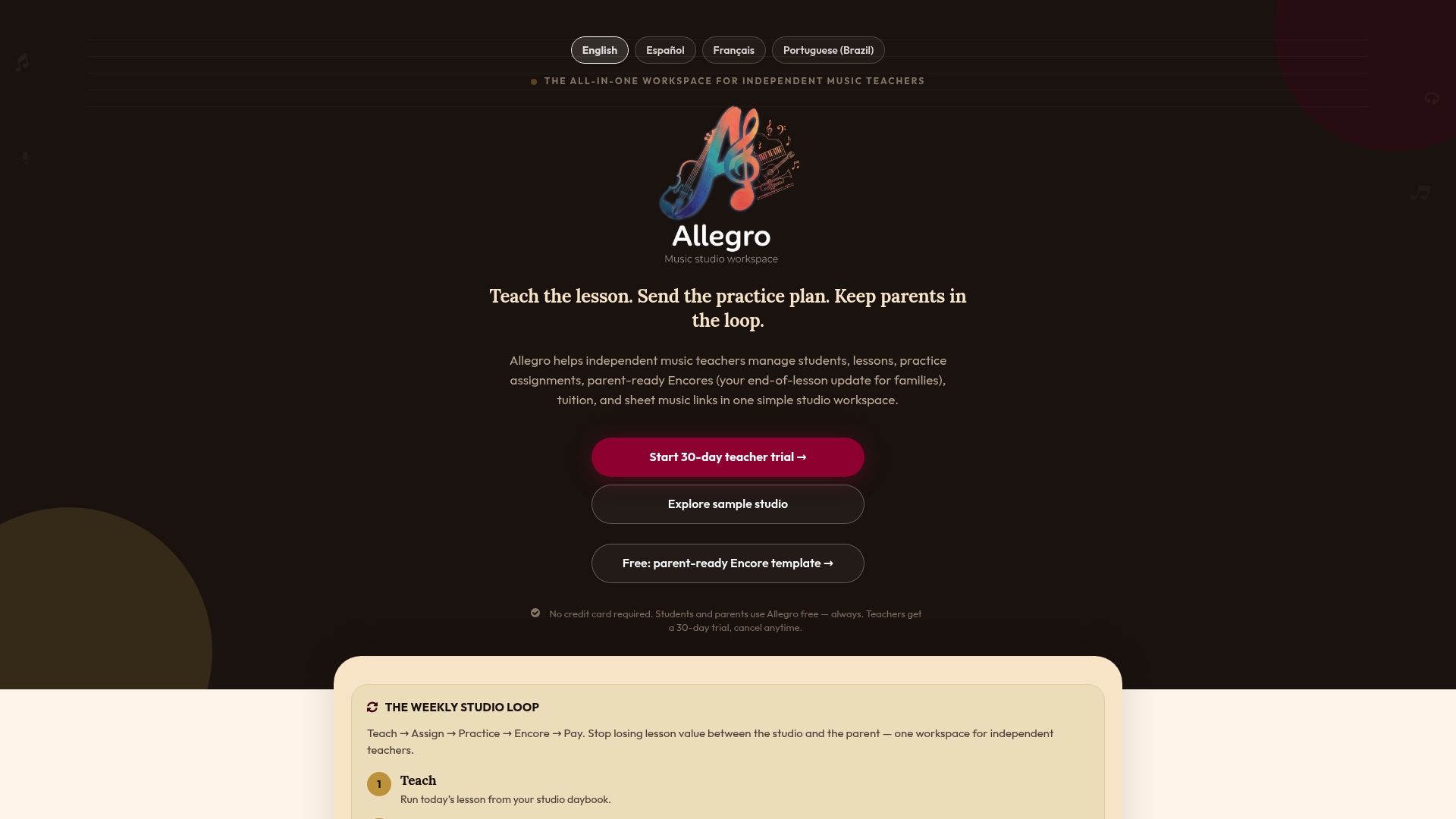
If you want to see the workflow before committing, view the Solo and Studio plans and try the free templates to find which fits your studio.
FAQ
What are some good daily checklists for students?
A good daily checklist is short: one target skill, a quick score or Y/N mark, and one observation note, nothing that takes more than a minute per student. For classroom use, pairing that with an exit ticket or quiz gives you a quick numeric data point without adding separate paperwork.
How do I keep track of student progress?
Track progress with a checklist that records baseline, current score, and a next instructional step, then review it on a set schedule, weekly for students who need intensive support and at least monthly for general classroom monitoring, according to IRIS guidance. Graphing scores against a goal line makes the trend visible at a glance.
What is a checklist for students?
A student checklist is a structured record of a target skill, how a student is currently performing against it, and what instructional step comes next. The Progress Monitoring Logbook frames it as a combination of class sheets for overview and student sheets for detailed notes.
What do you write in a student progress report?
A progress report should note the target skill, the baseline and current score, a brief observation of what’s driving the result, and one concrete next step. For students with an IEP, IDEA requires documenting how progress toward goals is measured and reported, so reports should reflect the same measures used in ongoing monitoring.
Sources
- IEP module: Selecting appropriate progress monitoring measures (IRIS)
- Progress Monitoring Logbook (REL)
Curated authoritative templates and guidance
For ready-to-use templates and research-based guidance, start with the Progress Monitoring Logbook for class and student sheet formats, the IRIS info brief on IEP progress monitoring for documentation requirements, and the IRIS IEP module for selecting measures. For hands-on classroom activities that pair well with monitoring routines, Brainie Comics offers low-cost, classroom-ready STEM templates.